
Key facts
- Manuals
- 16
- Models
- 4
- Languages
- ZH · PT
- Last added
- 2026-10-03
Newland models by category
Featured Newland manuals
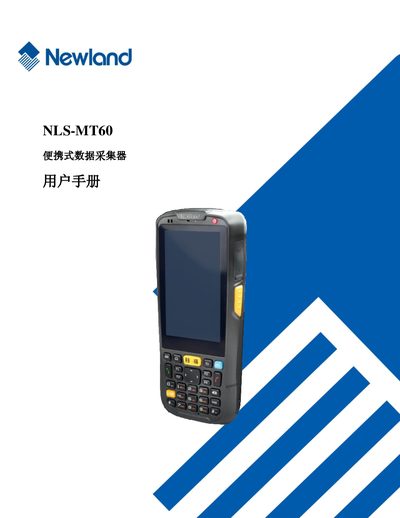
Newland NLS-MT60 Portable Data Collector User Manual
This user manual provides step‑by‑step instructions for unpacking, installing the battery, configuring Wi‑Fi, Bluetooth, GPRS, GPS, and using the built‑in camera of the NLS‑MT60 portable data collector. It also covers basic settings, language options, and how to upgrade the system firmware.
The later sections detail safety precautions, handling of the lithium‑polymer battery, troubleshooting common issues such as power‑up failures, LCD problems, and keyboard malfunctions, and give guidance on proper storage and environmental restrictions. This manual is written in Chinese.
Covers: About This Manual · Getting Started · Using NLS‑MT60 · Barcode Reading · Bluetooth Communication · Wi‑Fi Communication
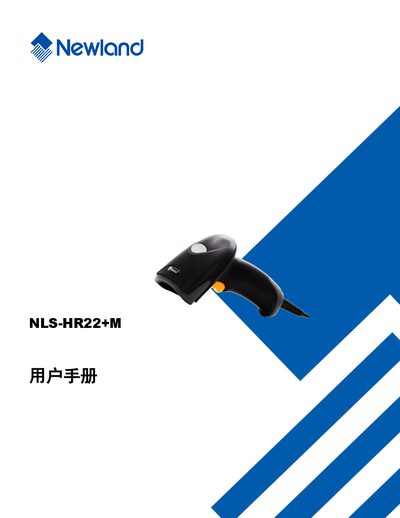
Newland HR22+M User Manual
This manual provides a complete guide to the Newland HR22+M handheld barcode scanner. It includes safety notices, an overview of the device, and a list of the tools supplied with the product.
The document details system configuration, communication interfaces (RS‑232, USB, PS/2), barcode symbology settings, and how to query device information such as firmware version and serial number. It also explains how to reset the scanner to factory defaults and customize LED and audio feedback. This manual is written in Chinese.
Covers: About HR22+M · Included Tools · System Settings · RS-232 Communication Settings · USB Communication Settings · PS/2 Keyboard Communication Settings
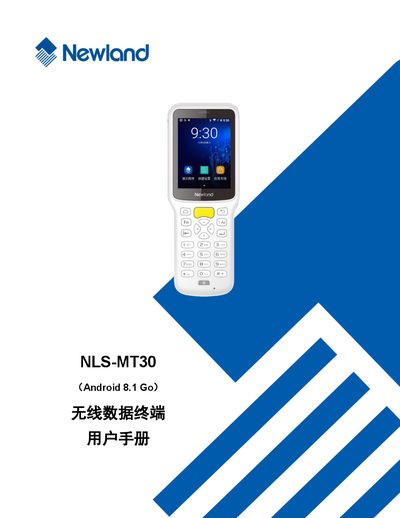
Newland NLS-MT30 Wireless Data Terminal User Manual
This manual provides detailed instructions for using the Newland NLS-MT30 wireless data terminal, covering everything from unpacking and basic setup to advanced features such as barcode scanning, Bluetooth, Wi‑Fi, and WAN communication. It also includes safety guidelines, battery care, and troubleshooting steps.
Additional sections describe how to use peripheral functions like GPS and NFC, configure administrator and whitelist tools, perform system upgrades, and develop custom software using the provided development environment and non‑standard interfaces. This manual is written in Chinese.
Covers: About This Manual · Getting Started · Using NLS-MT30 · Barcode Reading · Bluetooth Communication · Wi‑Fi Communication
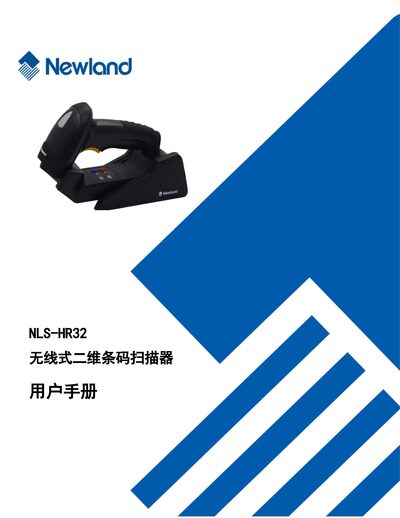
Newland NLS-HR32 Wireless 2D Barcode Scanner User Manual
The NLS‑HR32 is a wireless 2‑dimensional barcode scanner designed for flexible data capture. This manual provides an overview of the device, its main features, and the contents of the package.
It details system configuration, communication settings (USB, RS‑232, PS/2, wireless), LED and sound options, reading modes, barcode parameter setup, and troubleshooting procedures. Users can also find instructions for maintenance, factory reset, and firmware information. This manual is written in Chinese.
Covers: Introduction · Main Features · Packaging and Appearance · Communication Modes · Power On/Off and Reset · LED and Sound Settings
Latest Newland manuals
Newland NLS-MT60 Portable Data Collector User Manual
User Manual 42 pages · 2.7 MB · ZHThe manual explains setup, operation, communication features, and maintenance for the Newland NLS‑MT60 portable data collector.
Newland HR22+M User Manual
User Manual 211 pages · 4.1 MB · ZHUser manual for the Newland HR22+M barcode scanner covering setup, communication, and barcode configuration.
Newland NLS-MT30 Wireless Data Terminal User Manual
User Manual 69 pages · 3.5 MB · ZHThe Newland NLS-MT30 user manual explains setup, operation, barcode scanning, wireless communication, and maintenance for the wireless data terminal.
Newland NLS-HR32 Wireless 2D Barcode Scanner User Manual
User Manual 312 pages · 6 MB · ZHUser manual for the Newland NLS-HR32 wireless 2D barcode scanner covering setup, operation, and configuration.
Newland HR22 Handheld Barcode Scanner User Manual
User Manual 179 pages · 2.8 MB · ZHThe Newland HR22 handheld barcode scanner user manual provides setup, operation, and configuration instructions.
Newland FM80 Fixed Barcode Scanner User Manual
User Manual 227 pages · 4.4 MB · ZHUser manual for the Newland FM80 fixed barcode scanner covering installation, interface, settings and operation.
Newland NLS-HR32 Plus Wired 2D Barcode Scanner User Manual
User Manual 175 pages · 3.2 MB · ZHUser manual for the Newland NLS‑HR32 Plus wired 2D barcode scanner, covering setup, operation, and configuration.
Newland MT90 Wireless Data Terminal User Manual
User Manual 73 pages · 4 MB · ZHThe Newland MT90 wireless data terminal user manual provides setup, operation, connectivity, and troubleshooting instructions.
Newland NVH300 Series Handheld Industrial Barcode Scanner User Manual
User Manual 232 pages · 9.2 MB · ZHUser manual for the Newland NVH300 handheld industrial barcode scanner, covering setup, operation, and configuration.
Newland HR100 Barcode Reader User Manual
User Manual 39 pages · 1.2 MB · PTThe Newland HR100 barcode reader user manual provides setup, operation, programming, and troubleshooting instructions.
Newland PT980 series date collect user manual
Newland EVK1300 User Manual
User Manual 21 pages · 1.3 MB · ZHThe Newland EVK1300 User Manual provides hardware specifications, connector pin definitions, wiring diagrams, and step‑by‑step usage instructions for the…
Newland EVK2027 User Manual
User Manual 19 pages · 673 KB · ZHThe Newland EVK2027 User Manual provides hardware specifications, connector pinouts, and operating instructions for the evaluation kit.
NEWLAND NLS-PT980 series date collect user manual
NEWLAND PT980 series date collect user manual3
Which document do I need?
User Manual
Day-to-day operation, settings and troubleshooting. Start here if the product is already set up.
Questions answered in Newland manuals
How can I enable QR Code scanning?
Enable QR Code in the barcode parameter settings; the option is listed under QR Code configuration.
How do I reset the scanner to factory defaults?
Select the ‘恢复出厂默认’ option in the default settings chapter to restore factory settings.
What power adapter should be used with the NLS‑MT30?
Use a USB power adapter that meets the recommended specification of 5 V and 2 A.
How can I force‑restart the device if it won’t turn on?
Press and hold the power key for about 30 seconds to force a restart.
How can I adjust the LED indicator settings?
LED settings are configured in the "LED灯设置" section of the manual.
From: Newland NLS-HR32 Wireless 2D Barcode Scanner User Manual
Where do I find the USB communication configuration options?
USB communication options are described in the "USB通讯设置" chapter.
From: Newland NLS-HR32 Wireless 2D Barcode Scanner User Manual