
This document describes the Extron Occupancy Sensor OCS 100C sensor, which uses PIR (Passive Infrared) and US (Ultrasonic) sensors to detect occupancy.
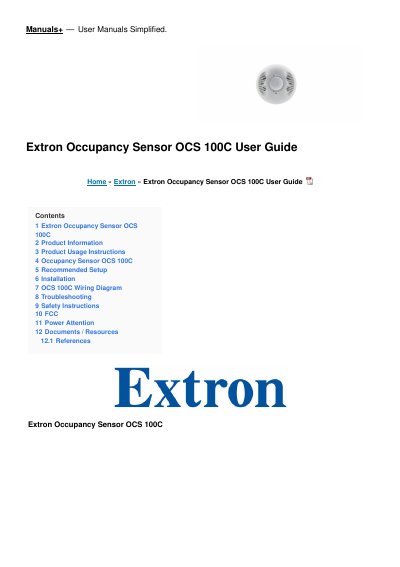
The Extron OCS 100C is a dual-technology occupancy sensor that uses ultrasonic (US), infrared (PIR), and photocell sensors to report ambient light conditions and room occupancy. It can be wired directly to Extron controller products equipped with Digital I/O ports or via eBUS using optional eBUS interface accessories, and it requires 24 VDC for operation.
The user guide covers front panel features and controls, DIP switch settings, timer and sensitivity dials, recommended setup, automatic mode, and mask patterns and sensor coverage.
| Power requirement | 24 VDC |
|---|---|
| Sensor types | Ultrasonic (US), infrared (PIR), and photocell |
| Timer range | 8 to 42 minutes |
| Timer factory default | 8 minutes |
| Infrared sensitivity factory default | 75% |
| Ultrasonic sensitivity factory default | 50% |
| Photocell sensitivity range | 10 to 1000 LUX |
| Photocell factory default | 100% (full clockwise); photocell disabled |
| Mounting distance from HVAC vents | 6 to 8 feet (1.8 to 2.4 m) |
| Coverage measurement height | 10 feet (3 m) above coverage area |
The OCS requires 24 VDC for operation. If local 24 V power is not available, use the included 12 V to 24 V, USB 5 V to 24 V power converter.
The factory default timer setting is 8 minutes; the timer range is 8 minutes to 42 minutes.
Open the retainer ring, rotate the black timer dial to about midway (50% or 12 o’clock), then return it to the minimum setting (full CCW).
No. Factory default is 100% (full clockwise), so the photocell sensor is disabled.