
Extron CrossPoint/MAV Matrix Switchers Setup Guide

This guide provides setup instructions, installation steps, and configuration details for Extron CrossPoint and MAV Plus matrix switchers.
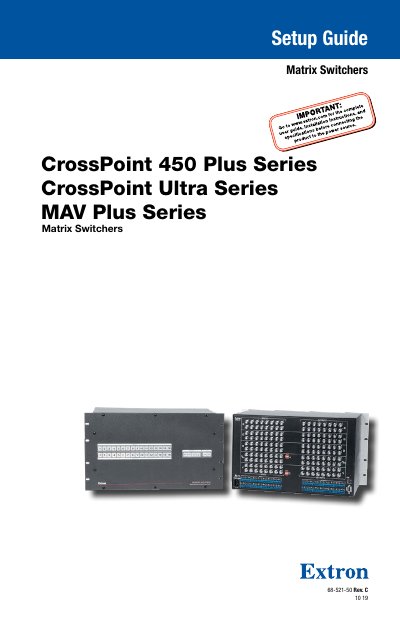

Extron CrossPoint/MAV Matrix Switchers Setup Guide - cover page
Brand
EXtron
Document type
User Manual
Language
English
Pages
32
File format
PDF
File size
3 MB
Published
13 October, 2026
Updated
13 October, 2026
MD5 checksum
926D1875BBC0267A2484376A186C78BB

About this manual

This document serves as a setup guide for Extron CrossPoint 450 Plus Series, CrossPoint Ultra Series, and MAV Plus Series matrix switchers. It covers essential topics including safety instructions, rear panel connections, front panel configuration ports, and operational procedures such as creating ties and saving presets.

What's inside

  • Introduction
  • About this Guide
  • Rear Panel
  • Making Connections
  • Front Panel Configuration Port
  • Creating a Tie
  • Saving or Recalling a Preset
  • Setting the Front Panel Locks
  • Remote Control
  • Establishing a network connection

Frequently asked questions

Where can I find the complete user guide and specifications?

Refer to www.extron.com for the complete user guide, installation instructions, and specifications before connecting the product.

Where can I find the complete specifications for this product?

You must refer to the Extron website, www.extron.com, to access the full user guide and specifications.

What document should I consult for safety guidelines and regulatory compliance?

The Extron Safety and Regulatory Compliance Guide, part number 68-290-01, is available on the Extron website.

Download PDF (3 MB)

More EXtron Manuals


View all EXtron manuals →