
This user guide explains how to set up, configure, and upgrade the Extron Room Agent software for managing touch panels and calendar integrations.
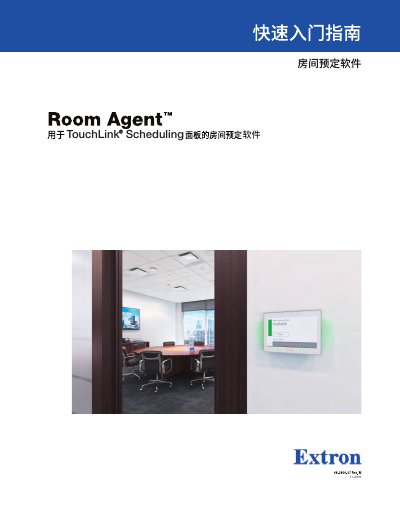
The Extron Room Agent is a scheduling application designed to manage and control Extron TouchLink touch panels. This manual provides instructions on discovering devices, adding new panels manually, configuring network settings, and upgrading firmware directly through the software interface.
A significant portion of this guide covers integrating room schedules with various calendar systems, including Microsoft Exchange, Office 365, Google Calendar, CollegeNET 25Live, and EMS. It details how to establish service accounts, authenticate devices, and configure specific parameters for each platform.
The default password is the product serial number.
Room Agent supports integration with Microsoft Exchange, Office 365, Google Calendar, CollegeNET 25Live, and EMS.
Click the Discover button in the Panel Management view to find and display all touch panels on the same subnet.