
This guide provides instructions for installing, mounting, and configuring the Extron TLP Pro 725T tabletop capacitive touchscreen, including network setup…
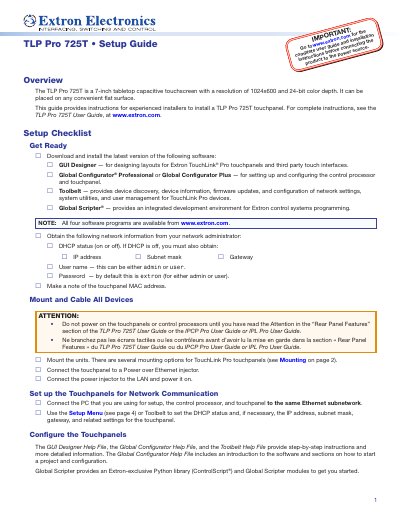
The Extron TLP Pro 725T is a 7-inch tabletop capacitive touchscreen featuring a 1024x600 resolution and 24-bit color depth. This setup guide is designed for experienced installers to assist with the installation, configuration, and network communication setup of the touchpanel. It covers essential steps such as downloading required software, obtaining network information, and mounting the unit on a flat surface or using an optional swivel mount adapter.
| Screen Size | 7-inch |
|---|---|
| Resolution | 1024x600 |
| Color Depth | 24-bit |
| Touch Technology | Capacitive |
| Power Input | 48 VDC |
| Power Voltage Range | 100-240V ~ 50-60Hz |
| USB Compatibility | USB 2.0 |
Press and hold the Reset button until the Reset LED flashes three times (about 9 seconds), then release and press it again.
No, the unit ships without a power injector, which must be purchased separately.
The default password is extron.