
Installation guide for Extron MPA 601-70V and MPA 601-100V mini power amplifiers covering setup, wiring, and remote control configuration.
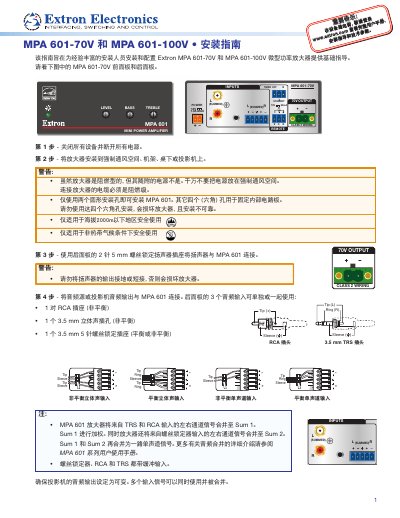
This guide provides basic instructions for installing and configuring the Extron MPA 601-70V and MPA 601-100V mini power amplifiers. It covers physical installation, connecting speakers and audio sources, and adjusting input levels to prevent distortion. This manual is written in Chinese.
| Power Supply | Extron 36 W Desktop Power Supply |
|---|---|
| Power Input | 12V 1.5A MAX |
| Output Voltage | 70V or 100V |
| Output Current | 12V 1.3A MAX(SUMMED) |
| Operating Altitude | Below 2000m |
| Operating Climate | Non-tropical |
The amplifier features one pair of RCA sockets, one 3.5 mm stereo jack, and one 3.5 mm 5-pin screw-lock jack.
Compatible controllers include the Extron VCM 100 AAP, VC 50, MLA VC10 Plus, MLC 55 RS VC, and MLC 64 RS VC D.