
A guide for designing collaboration spaces with Logitech and Extron technology, covering AV integration, room scheduling, and management tools.
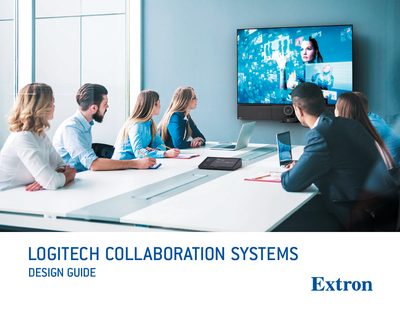
The Extron Collaboration Systems Design Guide explains how to create effective meeting spaces that support modern workstyles. It describes how Logitech hardware such as SmartDock and Tap can be combined with Extron control systems, audio processors, and video distribution to deliver a unified collaboration experience.
Key topics include scalable solutions, intuitive operation, flexible content sharing, and secure network connectivity. The guide also details Extron Room Scheduling, GlobalViewer Enterprise management tools, and global support resources to help organizations deploy and maintain large numbers of collaboration rooms.
It connects directly to Microsoft Exchange, Office 365, Google Calendar, EMS, or 25Live.
Extron GlobalViewer Enterprise simplifies AV resource management and remote monitoring.