
Setup guide for Extron TLC Pro wall-mounted capacitive touch control systems covering mounting, cabling, and configuration.
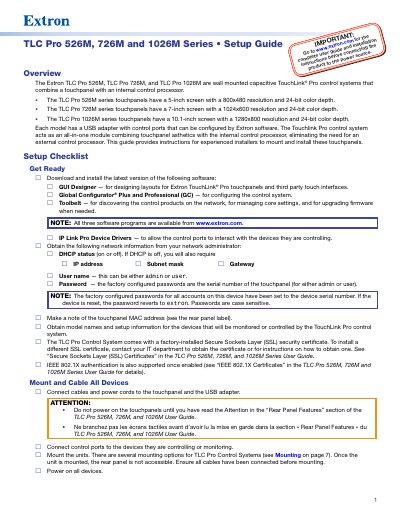
This document serves as a setup guide for the Extron TLC Pro 526M, 726M, and 1026M series. These are wall-mounted capacitive TouchLink® Pro control systems that combine a touchpanel with an internal control processor to eliminate the need for an external unit. The guide provides instructions specifically for experienced installers regarding mounting and installation procedures.
| TLC Pro 526M Screen Size | 5-inch screen |
|---|---|
| TLC Pro 726M Screen Size | 7-inch screen |
| TLC Pro 1026M Screen Size | 10.1-inch screen |
| TLC Pro 526M Resolution | 800x480 resolution |
| Power over Ethernet Compliance | PoE 802.3af, class 3 |
GUI Designer is used for designing layouts for Extron TouchLink® Pro touchpanels and third party touch interfaces.
The factory configured passwords are set to the serial number of the touchpanel.
Yes, they support Power over Ethernet (PoE 802.3af, class 3), but a power injector must be purchased separately.