
The Extron Global Configurator 3.0 software lets non‑programmers set up and manage Extron IP‑based control systems with an intuitive graphical interface.
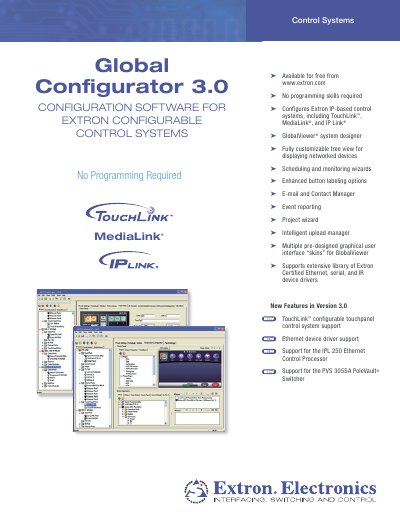
Global Configurator 3.0 is a free configuration application for Extron TouchLink™, MediaLink®, and IP Link® control products. It provides step‑by‑step wizards for device setup, scheduling, monitoring, and driver management, allowing users to build and maintain A/V control systems without programming.
The software runs on Windows PCs with a minimum Pentium III 1 GHz processor, 512 MB RAM, and a 10 Mbps network connection. It includes an extensive library of Extron‑certified Ethernet, serial, and IR device drivers, and integrates with GlobalViewer for hierarchical system visualization.
| Processor | Intel® Pentium® III 1 GHz |
|---|---|
| Operating System | Microsoft Windows XP SP2 or Windows Vista |
| Web Browser | Microsoft Internet Explorer 6.0 or higher |
| RAM | 512 MB |
| Hard Disk Space | 50 MB available |
| Network Speed | 10 Mbps minimum, 100 Mbps recommended |
It runs on Microsoft Windows XP SP2 or Windows Vista.
The software requires at least 512 MB of RAM.
A network connection of at least 10 Mbps is required, with 100 Mbps recommended.
Yes, it can configure serial, IR, Flex I/O, or relay ports of non‑IP devices.