
This manual explains how to use the Focusrite Scarlett Solo audio interface.
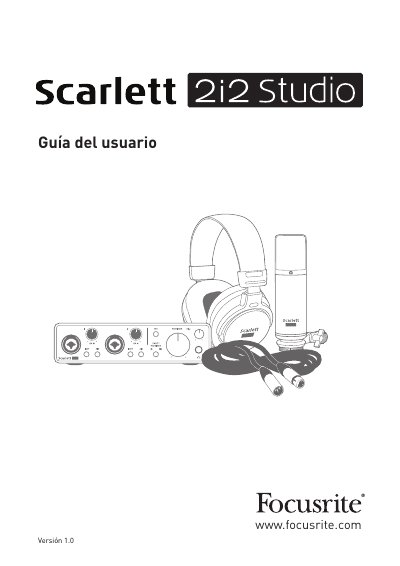
This is the Spanish user guide (version 1.0) for the Focusrite Scarlett 2i2 Studio Third Generation, a bundle built around the Scarlett 2i2 audio interface. The guide explains that the bundle also includes the Scarlett Studio CM25 MkIII condenser microphone, the Scarlett Studio HP60 MkIII headphones, an XLR microphone cable and a USB Type-A to Type-C cable, and it describes the third-generation features such as the AIR function on each channel and Direct Monitor in mono or stereo with zero latency.
The document walks through the Focusrite Quick Start tool for Mac and Windows users, manual registration, audio setup in a DAW, and usage examples for connecting a microphone or instrument, using direct monitoring and connecting headphones or speakers. It also lists hardware features of the front and rear panels, performance, physical and electrical specifications, and a troubleshooting section. This manual is written in Spanish.
| Audio resolution | 24-bit, 192 kHz via USB |
|---|---|
| USB connection | One USB 2.0 Type C port on the rear panel |
| Power | Powered by the computer over the USB connection; no separate power supply |
| Sample rate in MSD mode | Up to 48 kHz |
| Sample rate with Focusrite Control installed | Up to 192 kHz |
Incluye la interfaz Scarlett 2i2 (3a Gen.), el micrófono condenser Scarlett Studio CM25 MkIII con clip, los auriculares Scarlett Studio HP60 MkIII, un cable de micrófono XLR de 3 m, un cable USB Tipo A a Tipo C, la guía de introducción y la información de seguridad.
No. Las interfaces Scarlett de tercera generación son compatibles con clase en macOS y funcionan plug-and-play, sin necesidad de instalar un controlador.
Conecte la Scarlett 2i2 al ordenador host y mantenga presionado el botón 48V durante cinco segundos.
Puede registrarla en https://customer.focusrite.com/user/register ingresando manualmente el número de serie, que aparece en la base de la interfaz y en la etiqueta del código de barras de la caja.