
The Focusrite ISA 428 MkII User Guide provides installation, operation, specifications, and warranty information for the 4‑channel microphone preamplifier.
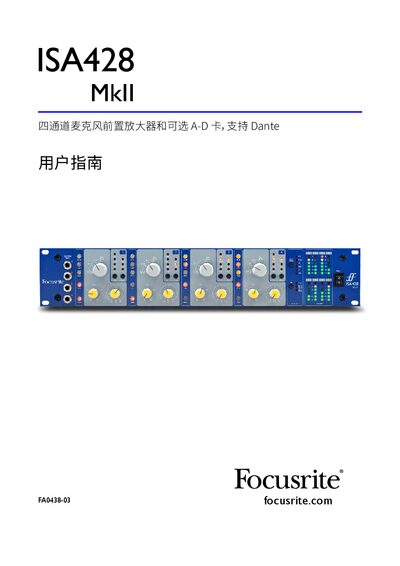
This guide explains how to set up and use the Focusrite ISA 428 MkII, a high‑quality four‑channel microphone preamplifier that accepts mic, line and instrument inputs. It covers front‑panel controls, rear‑panel connections, optional A‑D card installation, and network integration via Dante.
Key sections include detailed descriptions of gain controls, phantom power, phase reversal, input impedance selection, high‑pass filtering, insert routing, power requirements, physical dimensions, performance specifications, and the company’s warranty and service procedures. This manual is written in Chinese.
| Mic input gain range | 0–30 dB, 30–60 dB |
|---|---|
| Mic input impedance options | 600 Ω, 1.4 kΩ, 2.4 kΩ, 6.8 kΩ |
| Instrument input impedance | 470 kΩ (low), 2.4 MΩ (high) |
| Power consumption | 0.35 W |
| Maximum mic input level | +7 dBu |
| Maximum line input level | +25 dBu |
| Frequency response | 20 Hz – 20 kHz ±0.2 dB |
| Signal‑to‑noise ratio (mic) | 122 dB A‑weighted |
| High‑pass filter cutoff | 75 Hz |
Press the Phase button to invert the polarity of the chosen input, useful when multiple microphones are placed close together.
Press the Z In button to cycle through four transformer impedance options: 600 Ω, 1.4 kΩ, 2.4 kΩ, and 6.8 kΩ.
Yes, the optional ISA ADN8 A‑D card can be installed in the rear‑panel slot without any engineering experience.