
The Focusrite Scarlett Solo user manual provides setup, operation, specifications and troubleshooting for the audio interface.
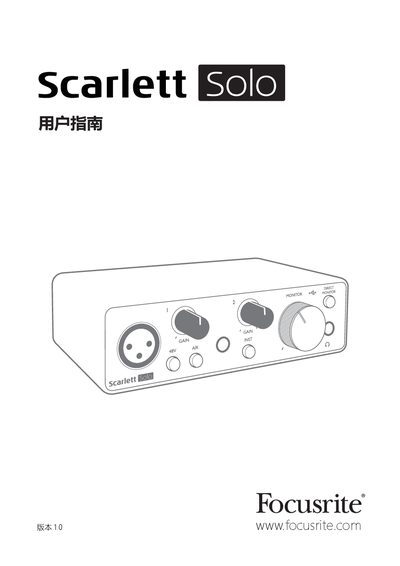
This guide introduces the third‑generation Scarlett Solo audio interface, describing its high‑quality pre‑amps, AIR feature, balanced outputs and USB‑powered operation. It walks users through installation on macOS or Windows, registration, and how to use the Focusrite Control software to unlock full functionality.
The manual also covers detailed hardware descriptions, connection options for microphones, instruments and speakers, direct monitoring, and provides full technical specifications, physical dimensions and troubleshooting steps. This manual is written in Chinese.
| Supported sample rates | 44.1 kHz, 48 kHz, 88.2 kHz, 96 kHz, 176.4 kHz, 192 kHz |
|---|---|
| Mic input dynamic range | 111 dB (A‑weighted) |
| Mic input frequency response | 20 Hz – 20 kHz ±0.1 dB |
| Mic input maximum level | +9 dBu |
| Physical dimensions | 143.5 mm × 43.5 mm × 95.8 mm |
Connect the Scarlett Solo to the computer and press the 48 V button for five seconds; the device will leave MSD mode and enable full functionality.
Check the operating system compatibility on the Focusrite website using the OS checker at https://customer.focusrite.com/downloads/os or the support center for the latest information.