
This user guide covers the installation, setup, hardware features, and troubleshooting for the Focusrite Saffire 6 USB audio interface.
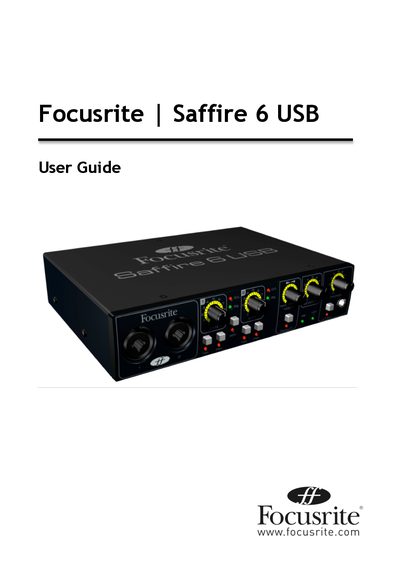
The Focusrite Saffire 6 USB is a multi-channel audio interface designed for connecting microphones, line-level signals, and instrument-level signals to a computer running Mac OS or Windows. It features high-quality Focusrite pre-amps and allows users to route audio signals directly to and from their Digital Audio Workstation (DAW). The device supports both ASIO/WDM drivers for Windows and Core Audio for Mac, facilitating high-quality recording and playback.
| Operating Systems | Mac OS X 10.5.7 or later; Windows Vista or Windows XP SP2 or higher |
|---|---|
| Memory (RAM) | 512 MB (1 GB or more recommended) |
| CPU/Clock | PowerPC G4/1 GHz or higher |
| Screen Resolution | 1024x768 (1280x1024 or more recommended) |
| USB Connection | USB 1.1 compliant |
Go to Start > Control Panel > Hardware and Sound > Sound > Manage Audio Devices and set 'Default Playback' and 'Recording' to 'Saffire 6USB'.
Yes, Outputs 1/2 can be connected to Line Inputs 1/2 of an external DJ mixer, while Outputs 3/4 connect to Line Inputs 3/4.