
This user guide covers the setup, features, and usage of the Focusrite Scarlett 2i4 professional computer audio interface, including software installation…
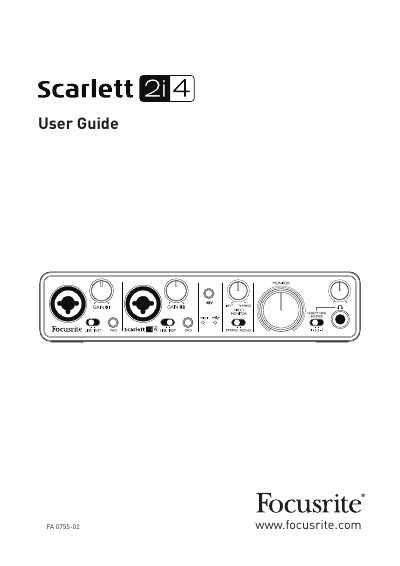
The Focusrite Scarlett 2i4 is a professional computer audio interface designed for routing high-quality audio to and from a computer running Mac OS or Windows. It features high-quality Focusrite analogue pre-amplifiers and allows audio sources such as microphones, instruments, and line-level signals to be recorded at up to 24-bit, 96 kHz resolution. The interface includes a Direct Monitoring feature to eliminate computer latency and acts as a MIDI interface between the computer and other MIDI equipment.
| Outputs | four audio output channels |
|---|---|
| OS Requirements (Mac) | Mac OS X 10.7 or 10.8 |
| OS Requirements (Windows) | Windows 7 (32- or 64-bit) |
The unit includes 2i4 USB Drivers, Scarlett Plug-in Suite, Ableton Live Lite, and LoopMasters sample library.
You must run the installer before connecting the unit to your computer with the supplied USB cable.
It allows you to hear what you are playing without the effects of computer latency.