
This user guide covers the setup, features, hardware functions, performance specifications, and troubleshooting for the Focusrite Scarlett 4i4 audio interface.
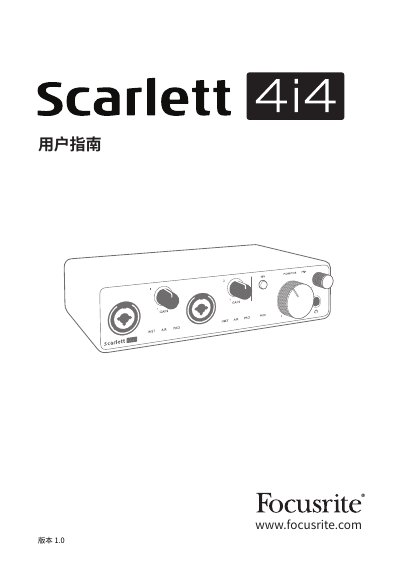
This document is the user guide for the Focusrite Scarlett 4i4, a professional computer audio interface designed for macOS and Windows. It details how to connect the device, install the Focusrite Control software, and configure the interface for recording and playback in Digital Audio Workstations (DAWs). The guide explains the hardware layout, including the front and rear panels, and describes the functionality of the four input and four output channels. This manual is written in Chinese.
| Supported Sample Rates | 44.1 kHz, 48 kHz, 88.2 kHz, 96 kHz, 176.4 kHz and 192 kHz |
|---|---|
| Dynamic Range | 111 dB (A-weighted) |
| Frequency Response | 20 Hz to 20 kHz ±0.1 dB |
| Total Harmonic Distortion plus Noise | <0.0012% |
| Equivalent Input Noise | -128 dB (A-weighted) |
| Maximum Input Level | +9 dBu (no PAD); +16 dBu (PAD selected) |
| Gain Range | 56 dB |
| Input Impedance | 3 kOhms |
No, the Scarlett 4i4 is powered by the computer via the USB connection and does not need an independent power source.
The device supports sample rates up to 192 kHz, including 44.1 kHz, 48 kHz, 88.2 kHz, 96 kHz, 176.4 kHz, and 192 kHz.
You can force the device to exit MSD mode by connecting it to the main computer and pressing the 48V button for five seconds.