
This user guide covers the setup, hardware features, connections, Focusrite Control software usage, specifications, and troubleshooting for the Focusrite…
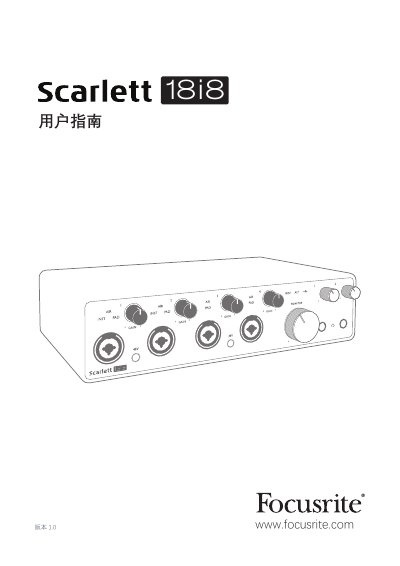
This manual provides comprehensive instructions for the Focusrite Scarlett 18i8 audio interface, covering system requirements, quick start procedures for both Mac and Windows, and detailed hardware functionality. It explains how to connect microphones, instruments, and digital audio signals, as well as how to configure the device for low-latency monitoring and mixing. This manual is written in Chinese.
| Maximum Resolution | 24-bit/192 kHz |
|---|---|
| Operating Systems | macOS or Windows |
| USB Interface | USB 2.0 Type C |
The maximum sampling rate is 192 kHz when using Focusrite Control software.
You must select the AIR mode in the Focusrite Control software.
Yes, but the device will operate in MSD mode with a maximum sampling rate of 48 kHz.