
This document is the installation manual of Optoma OCM818W-RU/OCM818B-RU projector flush mount
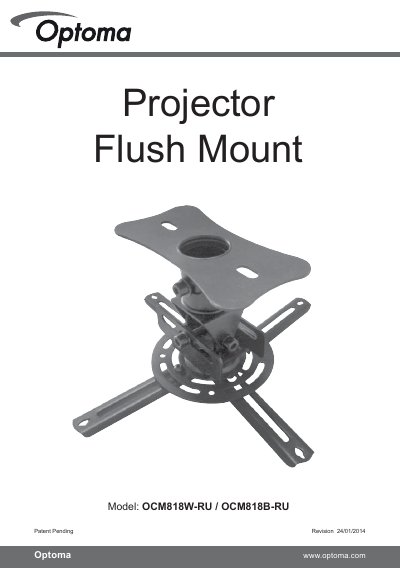
This document is the installation manual for the Optoma OCM818W-RU/OCM818B-RU projector flush mount. It states that the bracket is suitable for most projectors up to a load of 15 kg (33 lbs), with a net weight of 1.2 kg (2.6 lbs) and dimensions of 168 x 138 x 126 mm (6.6” x 5.4” x 5”).
The manual lists the parts in the package and the tools required for assembly, then explains how to remove and install the ceiling plate, attach the flush mount assembly to the projector and to the ceiling plate, and adjust the projector roll, shift, and pitch. It also notes that brackets should be mounted only by a qualified installer.
| Net Weight | 1.2 kg (2.6 lbs) |
|---|---|
| Dimension | 168 x 138 x 126 mm (6.6” x 5.4” x 5”) |
| Load Capacity | 15 kg (33 lbs) |
The load capacity is 15 kg (33 lbs).
The manual lists a Star / Philips screw driver, a 13mm spanner, and a 6mm Allen key.
Loosen the M8x65mm Socket Cap Screw with the supplied 6mm Allen Key, adjust to the desired position, and tighten the screws firmly.