
This document is the user manual of AS-8060 barcode scanner
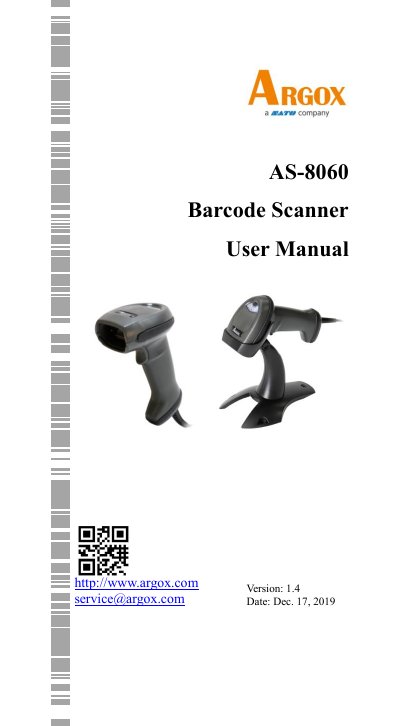
The AS-8060 is a 1D CCD barcode scanner that ships with factory default settings and can be configured by scanning setup barcodes in this guide. Configuration changes are stored in nonvolatile memory so they remain after the power is turned off.
The manual covers package contents, installation and connection, scanning instructions, interface and scan mode settings, prefix/suffix and character settings, enabling or disabling barcode symbologies, and the scanner specifications.
| Image Sensor | 2500 point pixel CCD image sensors |
|---|---|
| Scan Rate | >=270 time/s |
| Resolution | 3mil (0.76mm) |
| Depth of Field | 15~330mm (EAN, 13mil, PCS90%) |
| Interface | USB-HID, USB-Virtual COM |
| Dimensions | 102mm x 71mm x 177mm |
| Weight | 190g |
| Light Source | RED LED 620nm~630nm |
| Print Contrast | Min. 20% |
| Drop Resistance | 1.5 meters onto concrete |
The package includes a scanner, a stand, a quick start guide, and a USB cable.
Plug the RJ45 connector into the scanner’s RJ45 port, connect the USB connector to your computer, and then turn on your computer.
Make sure the aiming beam crosses every bar and space of the barcode horizontally.
The specified scan rate is 270 times per second or more.