
CP series user manual, introduces CP-2140 / CP-2140Z CP2140M/CP-2140MZ CP-3140L / CP-3140ZL printer's unpacking, installation, operation, maintenance and other contents
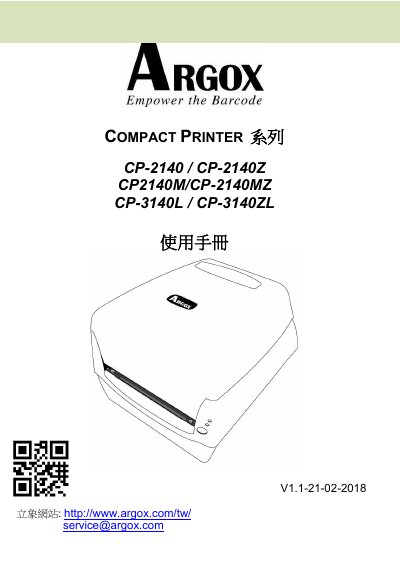
This manual provides operating instructions for the Argox CP series of compact barcode printers, including models CP-2140, CP-2140Z, CP2140M, CP-2140MZ, CP-3140L, and CP-3140ZL. It covers unpacking, hardware overview, media and ribbon loading, calibration, interface configuration, driver installation, printhead maintenance, and optional cutter installation.
The document includes detailed procedures for paper calibration, factory reset, LED diagnostics, USB/RS-232/Parallel communication setup, and troubleshooting cutter jams. A product specifications section lists general specifications, font/barcode/graphics capabilities, programming languages (PPLA, PPLB, PPLZ), and interface specifications. An appendix covers rotary and guillotine cutter installation and jam clearance. This manual is written in Chinese.
| Models covered | CP-2140, CP-2140Z, CP2140M, CP-2140MZ, CP-3140L, CP-3140ZL |
|---|---|
| Interfaces (CP-2140M, CP-2140MZ) | USB only (no RS-232, no Parallel) |
| Package contents | Quick Start Guide, DVD, power cord, paper roll shaft, printer, power supply, USB cable, ribbon spindle adapter, ribbon core |
The manual covers CP-2140, CP-2140Z, CP2140M, CP-2140MZ, CP-3140L, and CP-3140ZL.
The CP-2140M and CP-2140MZ models have only USB; they lack RS-232 and Parallel ports.
The package includes a Quick Start Guide, DVD with documentation and software, power cord, paper roll shaft, printer, power supply, USB cable, ribbon spindle adapter, and ribbon core.