
Introduces the various components of the G series industrial barcode printer and how to use it to print
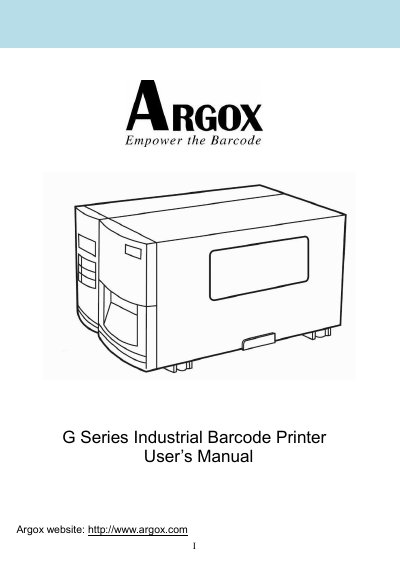
The Argox G-6000 G Series industrial barcode printer is a direct thermal and thermal transfer printer. The manual explains unpacking and setup, loading ribbon and media, front and rear panel operation, media calibration, computer connections, and printer driver installation.
It also provides troubleshooting and maintenance procedures, general and interface specifications, and instructions for installing the cutter and dispenser/rewinder accessories.
| Printing Method | Direct Thermal / Thermal Transfer |
|---|---|
| Printing Resolution | 203 dpi (8 dots/mm) |
| Printing Width | Max 6.6” (168mm) |
| Printing Length | Max. 30” (7620 mm) |
| Printing Speed | 2 ~ 6 IPS (51~152 mm/s) |
| Memory | 2MB DRAM, 1MB Flash ROM |
| CPU Type | 32 bit RISC CPU |
| Display and Operation Interface | LED indicator x 3, Back-lit LCD Display 16 x 2-line (multilingual), Button x 3 |
| Communication Interfaces | Centronics parallel, RS-232 serial |
The package includes the printer, power cord, quick guide, CD-ROM, ribbon core, and USB to Centronics cable.
Leave the power switch at the O position, connect the AC power connector to the printer power jack, and connect the other end to an AC outlet.
The print resolution is 203 dpi (8 dots/mm).
The printer supports Centronics parallel and RS-232 serial interfaces.