
User guide for Argox OS-214 series desktop barcode printers covering installation, operation, maintenance, and technical specifications.
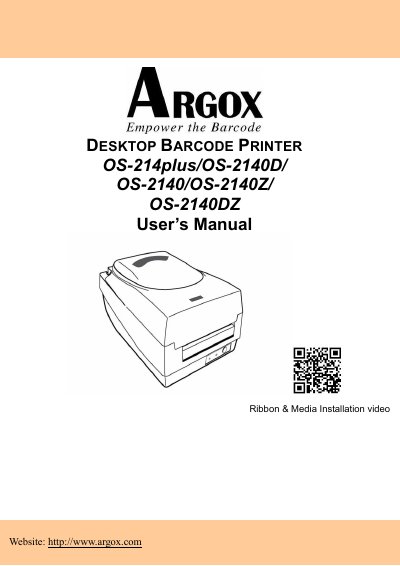
This manual provides comprehensive instructions for the Argox OS-214plus, OS-2140D, OS-2140, OS-2140Z, and OS-2140DZ desktop barcode printers. It covers the entire lifecycle of the device, from unpacking and connecting the power supply to loading ribbon and media. The guide includes detailed sections on operating the printer in Standard and Cutter modes, configuring sensors, and troubleshooting common issues using LED diagnostics.
| Printing method | Direct Transfer / Direct Transfer/Thermal Transfer |
|---|---|
| Printing resolution | 203 dpi (8dots/mm) |
| Printing speed | Up to 5ips (127mm/s) |
| Printing length | Max 100" (2540 mm) |
| Printing width | Max 4.16" (105mm) |
| Memory | 8MB DRAM(6MB user available) 4MB Flash ROM(2MB user available) |
| Communication Interface | RS-232, USB, Centronics Parallel |
The output is 24VDC at 2.4A.
Try reorienting the antenna, increasing separation, changing the outlet, or consulting a technician.
It supports Code 39, Code 93, Interleaved 2of 5, EAN-8, EAN-13, UPC-A, UPC-E, Postnet, Codabar, Code 128, and others.