
This manual provides instructions for unpacking, setting up, operating, and maintaining the Argox OS-314plus desktop barcode printer, including loading…
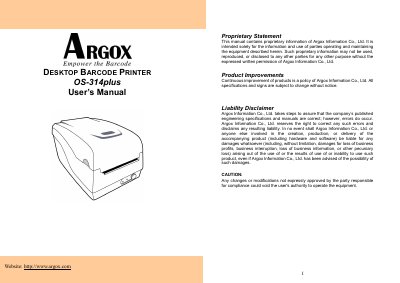
This document is the official User's Manual for the Argox OS-314plus desktop barcode printer. It covers the entire lifecycle of the device, from unpacking and checking package contents to detailed operating procedures. The guide explains how to load ribbon and media in both standard and cutter modes, and provides step-by-step instructions for connecting the printer via USB, Serial (RS-232), and Parallel interfaces.
| USB Interface Speed | USB 2.0 Full Speed |
|---|---|
| Serial Baud Rates | 2400 to 115200 |
| Data Format | 8 data bits, 1 start bit, 1 stop bit |
| Parity | Non parity |
The default baud rate is 9600.
Press and hold the Feed Button while turning on the power.