
User manual for Argox Compact Printer Series covering setup, operation, communication interfaces, maintenance, and specifications for multiple models.
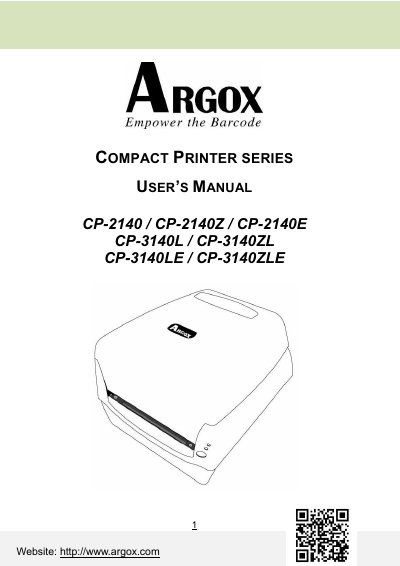
This manual provides instructions for the Argox Compact Printer Series, including models CP-2140, CP-2140Z, CP-2140E, CP-3140L, CP-3140ZL, CP-3140LE, and CP-3140ZLE. It guides users through unpacking, installing power and media, and loading ribbon. The document details printer operations such as media calibration, troubleshooting via LED indicators, and recovery procedures.
| Printing Method | Direct Thermal / Thermal Transfer |
|---|---|
| Printing Resolution | 203 dpi(8 dots/mm) or 300 dpi (12 dots/mm) |
| Printing Speed | 2~5ips (50.8~ 127mm/s) or 1~up to 4ips |
| Memory | 8MB DRAM (5MB user available) |
| CPU Type | 32 bit RISC microprocessor |
| Media Type | Roll-feed, die-cut, continuous, fan-fold, tags, ticket |
The minimum printing length is 0.2 inches (5mm).
Remove the cutter, find the cam, and turn it counter-clockwise with a slotted screwdriver to release the blade.