
This is a printer user manual, which introduces how to connect the printer, install paper, install ink cartridge, print label and etc.
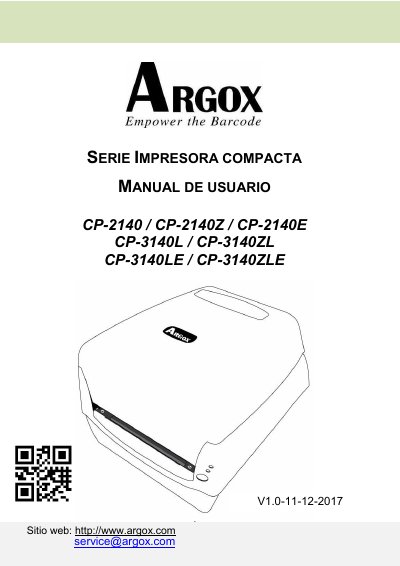
This Spanish user manual covers the Argox CP-2140, CP-2140Z, CP-2140E, CP-3140L, CP-3140ZL, CP-3140LE, and CP-3140ZLE compact printers. It describes unpacking and the package contents, printer overview and front, rear, and interior views, power connection, loading paper and ribbon, and installing the optional cutter.
The manual also covers printer operation, paper setup and calibration, restoring factory defaults, LED indicators and troubleshooting, communications and printer driver installation, printer care and print head cleaning, product specifications, printer programming languages PPLA, PPLB, and PPLZ, and interface specifications for USB, serial RS-232, parallel, and Ethernet. This manual is written in Spanish.
| Serial baud rates | 2400, 4800, 9600 (default), 19200, 38400, 57600, 115200 baud |
|---|---|
| Serial data format | 8 data bits, 1 start bit, 1 stop bit |
| Serial parity | No parity |
| Ethernet interface | Ethernet 10/100 |
It supports 2400, 4800, 9600 (default), 19200, 38400, 57600, and 115200 baud.
The format is always 8 data bits, 1 start bit, and 1 stop bit.
No. Parity is always none.
An internal Ethernet 10/100 printer server option is listed.