
H series servo application manual, including system configuration, CANopen communication, device control, fault handling, object dictionary and other contents
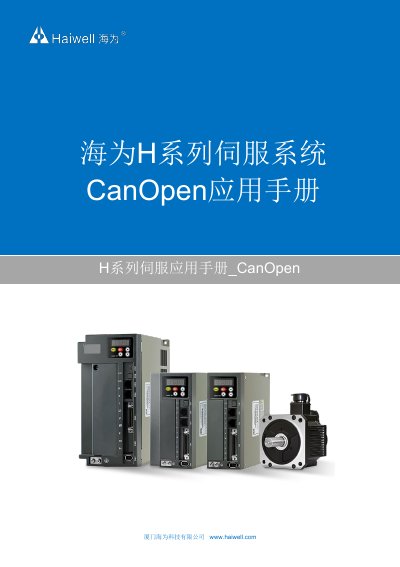
The Haiwell H Series Servo System CANopen Application Manual introduces the H Series servo system and its CANopen communication interface.
It explains system configuration, CN4/CN5 wiring, parameter settings, operation panel status indications, CANopen communication objects, device control modes, fault handling, and the object dictionary. This manual is written in Chinese.
| CAN-ID type | 11-bit CAN 2.0A |
|---|---|
| Supported baud rates | 1 Mbit/s, 750 Kbit/s, 500 Kbit/s, 250 Kbit/s, 125 Kbit/s, 100 Kbit/s, 50 Kbit/s, 20 Kbit/s, 10 Kbit/s |
| Maximum number of nodes | 127 |
| CAN frame length | 0 to 8 bytes |
| Terminal matching resistor | 120 Ω |
| Supported subprotocols | CiA-301 V4.02; CiA-402 V2.0 |
| Supported PDO count | 4 TPDO and 4 RPDO |
| SDO transfer method | Expedited SDO transfer |
| CANopen node ID setting range | 1 to 127 |
The manual lists nine CANopen baud rates: 1 Mbit/s, 750 Kbit/s, 500 Kbit/s, 250 Kbit/s, 125 Kbit/s, 100 Kbit/s, 50 Kbit/s, 20 Kbit/s, and 10 Kbit/s.
The maximum number of stations is 127.
A 120 Ω terminal matching resistor is connected at each end of the bus to prevent signal reflection.
The dual RJ45 communication ports are located at CN4 and CN5 and can be used for CANopen communication and Modbus communication.