
The Haiwell Cloud Camera User Manual explains setup, network configuration, image display, SD‑card recording and remote control features.
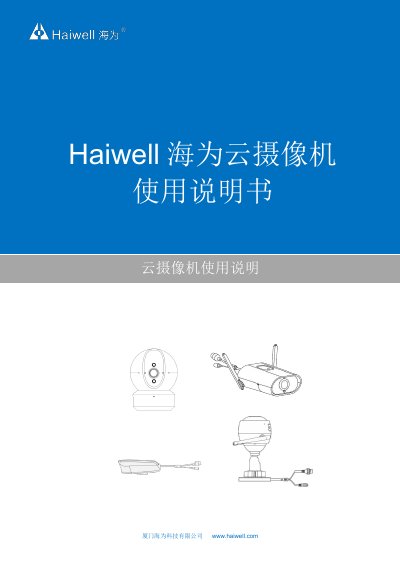
This manual provides step‑by‑step instructions for activating the Haiwell Cloud Camera, connecting it to power and network, and configuring Wi‑Fi. It also covers how to set image display options such as name, date and week, and how to manage recordings stored on an SD card.
Additional sections describe how to add and manage peripheral cameras, configure direction control, and use the Haiwell cloud app or website for remote monitoring and control. The guide includes detailed procedures for exporting/importing camera settings and downloading recorded video files. This manual is written in Chinese.