
The Haiwell H01WG/H02WG weight module user manual provides specifications, wiring diagrams, configuration parameters and calibration procedures for the…
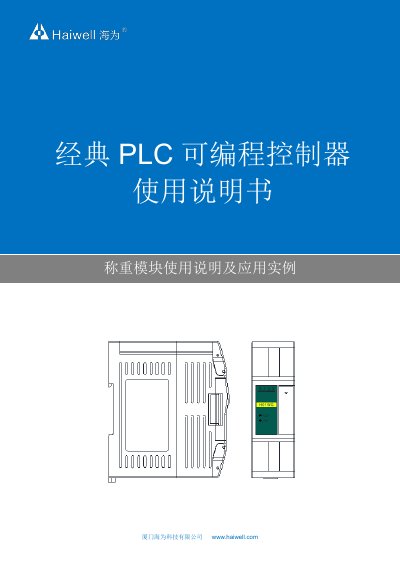
This manual describes the H01WG and H02WG weight modules for Haiwell classic PLCs. It includes model dimensions, power and environmental specifications, indicator light meanings, wiring diagrams for single and parallel sensors, terminal connections, and a full list of Modbus register parameters.
The document also covers installation of expansion modules, remote I/O usage, detailed calibration steps, and example programs for reading weight, switching between 16‑bit and 32‑bit display modes, and adjusting stability and response settings. This manual is written in Chinese.
| Power supply voltage | 24VDC -15%~+20% |
|---|---|
| Power consumption (H01WG) | 0.2A |
| Power consumption (H02WG) | 0.3A |
| Dimensions | 30×95×82mm |
| Operating temperature | 0~+55 ℃ |
| Humidity range | 5~95% RH |
| A/D conversion method | 24‑bit ΔΣ |
| Linear error | ≤ 0.02 % FS |
| Excitation voltage | 5VDC ± 5 % |
| Sensor sensitivity range | 1 mV/V ~ 5 mV/V |
| Maximum sensor cable length | 100 m |
Follow the calibration steps: remove all weights, write 1 to CR26H to enter calibration mode, add standard weights for each segment and write the measured values to the corresponding registers, then write 2 to CR26H to finish.
The PWR light (green) shows normal power when solid, the weight status lights indicate net/gross weight, empty load, overload, and measurement stability, and the LINK light shows communication status with red, yellow, or green patterns.
Write 0 to register CR13H for 16‑bit display or write 1 to CR13H for 32‑bit display.
Yes, the module supports remote I/O; it requires external 24 VDC power and the communication parameters can be configured via Modbus registers.