
This manual provides operating instructions for the Haiwell IPC industrial touch panel computer, covering startup, system settings, engineering usage…
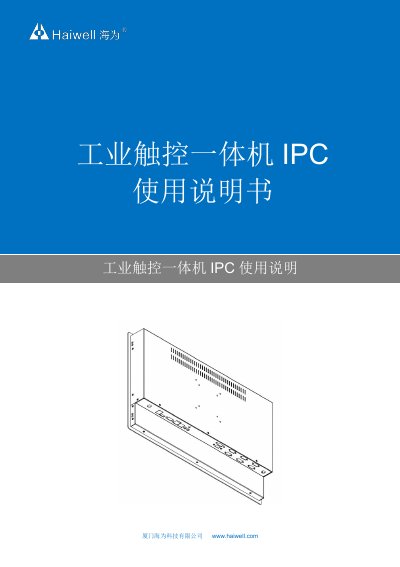
The document serves as a user guide for the Haiwell IPC industrial touch panel computer. It details fundamental operations such as powering on/off, restarting, logging out, locking the screen, calibrating the touchscreen, and connecting external peripherals like mice and keyboards.
The manual further explains how to configure system settings including language, region format, network connections (Ethernet and Wi-Fi), printer setup, and screen protection. It also covers engineering workflows for downloading and running projects, as well as remote device binding and control features. This manual is written in Chinese.
To turn on the device, you must long press the power switch located on the back of the industrial computer.
You should use the software menu to shut down the unit, as long-pressing the power switch to turn it off can damage files.
The device supports two Ethernet ports for wired network connections.