
This document is the user manual for Haiwell HMI - C series Ethernet human-machine interface, which provides information on HMI precautions, installation steps, supporting software, interface definitions, product specifications, HMI components and opening sizes, as well as touchscreen calibration.
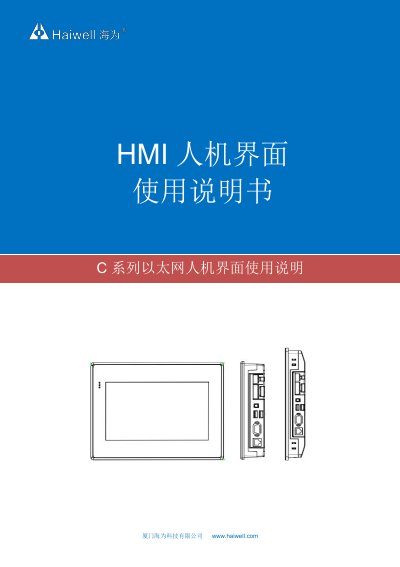
The document serves as a user guide for the Haiwell HMI-C series Ethernet Human-Machine Interface (HMI). It covers essential topics including safety precautions, installation steps, compatible software requirements, and detailed interface pin definitions. The manual also provides specific instructions for touch screen calibration and accessing parameter settings. This manual is written in Chinese.
| Power Input | 24VDC±20% |
|---|---|
| Voltage Withstand | 500VAC |
| Insulation Resistance | >500MΩ@500VDC |
| Protection Rating (C7) | IP65 |
| Operating Temperature Range | -10~60℃ |
The device requires the HaiwellSCADA editing software, which can be downloaded from the official website.
Enter the parameter settings menu via Hardware Settings > Display & Sound > Touch Calibration, then tap the crosshair points in order.
Press and hold the top right corner of the screen for 5-10 seconds to bring up the menu.