
The Haiwell C/T Series PLC User Manual provides specifications, wiring diagrams, installation steps, and operation instructions for the classic PLC controllers.
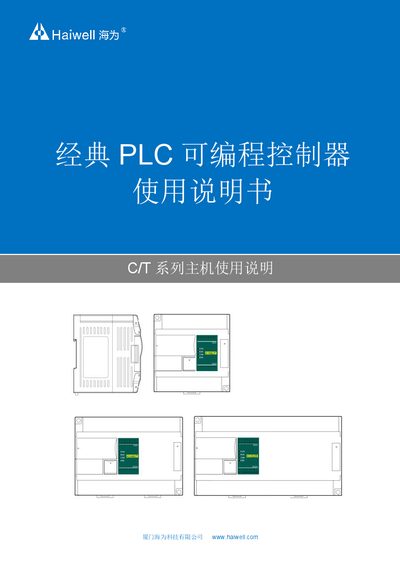
This manual covers the classic Haiwell PLC C/T series, presenting model listings, physical dimensions, indicator descriptions, power and environmental specifications, and detailed wiring diagrams for digital inputs, outputs, and terminals. It also includes installation guidance, programming cable connections, address configuration, and power supply wiring.
Key sections guide users through interpreting LED indicators, setting up Ethernet IP defaults, connecting AC/DC power safely, and expanding the system with additional modules. The document ends with safety notes and contact information for Haiwell support. This manual is written in Chinese.
| Input voltage (AC) | 100~240VAC |
|---|---|
| Maximum power output | 25VA |
| Operating temperature range | 0~+55℃ |
| Digital input max current | 10mA |
The default IP address is 192.168.1.111 with subnet mask 255.255.255.0 and gateway 192.168.1.1.