
TP300 is a small-sized human-machine interface, mainly used in conjunction with various PLCs (or intelligent controllers with communication ports), to monitor and modify the values and states of internal registers or relays in PLCs through text or indicator lights, so as to enable operators to control machinery and equipment freely.
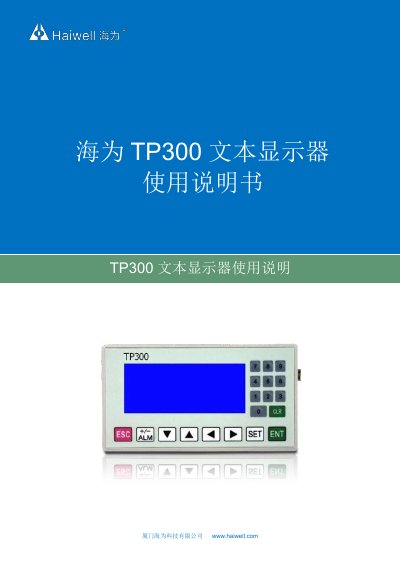
The Haiwell TP300 is a small human-machine interface designed to work with various PLCs or intelligent controllers. It allows operators to monitor and modify internal register values or relay statuses via text or indicator lights, enabling direct control of machinery. The device features an STN LCD display with backlight, 19 programmable keys, and supports RS232/RS485 communication protocols. This manual is written in Chinese.
| Input Voltage | DC21V-DC28V |
|---|---|
| Power Consumption | Below 2W |
| Operating Temperature | 0~50℃ |
| Storage Temperature | -20~70℃ |
| Environmental Humidity | 20~90%RH (non-condensing) |
| Protection Structure | IP65 (front panel) |
| Display Content | 24 English characters x 4 lines or 12 Chinese characters x 4 lines |
| Physical Dimensions | 172x95x30 mm |
The device supports major PLC brands including Siemens, Mitsubishi, Omron, Panasonic, Schneider, Yonghong, LG, Delta, and AB.
It supports Modbus RTU, free communication protocols, ECOSTEP for KINCO servo drives, and various specific PLC protocols.
Contrast is adjusted by rotating a potentiometer located on the back of the product using a small screwdriver.
The background light automatically turns off after more than 3 minutes of inactivity.