
User manual for Haiwell C Series Ethernet HMI covering installation, configuration, operation and maintenance.
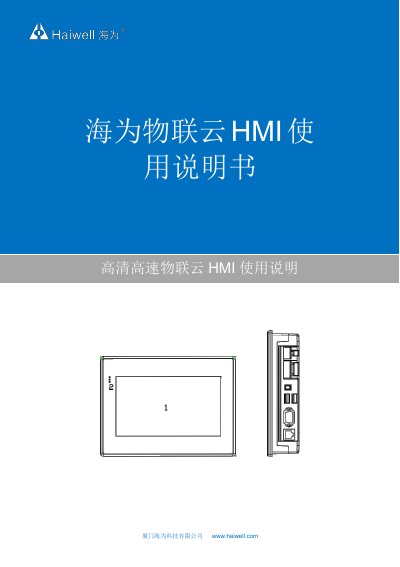
The Haiwell C Series Ethernet HMI is an industrial touch‑screen device that runs on an embedded Linux system and supports SCADA, cloud management and multiple communication interfaces. It provides high‑resolution graphics, resistive touch, LED backlight and optional Wi‑Fi/4G connectivity.
The manual describes hardware installation, network setup, firmware upgrade, cloud binding, multi‑language selection and basic operation steps, allowing users to configure the device, download projects and monitor the system remotely. This manual is written in Chinese.
| Resolution | 800×480 px (7") or 1024×600 px (10.1") |
|---|---|
| Color depth | 16.7 M colors |
| Brightness | 300 cd/m² (7") / 350 cd/m² (10.1") |
| Touch type | Resistive |
| Backlight type | LED, 20,000 h life |
| Flash storage | 4 GB |
| RAM | 512 MB |
| I/O interfaces | MicroSD, SIM, 4G, Ethernet 10/100Base‑T, RS485/RS232, USB‑HOST x2, USB‑PRINTER |
| Power input | 24 V DC ±20 % |
| Power consumption | 7 W (7"), 10 W (10.1") |
| IP rating | IP65 |
| Operating temperature | -10 °C ~ 60 °C |
| Weight | 0.8 kg (7"), 1.3 kg (10.1") |
Press and hold the HMI’s top‑right button for 5 seconds to open the backend settings, select “Network Settings”, then enable the network switch and choose either DHCP or Static IP configuration.
In the backend settings choose “Enable Touchscreen Calibration”, confirm the prompt, and the device will restart to perform the calibration.