
Key facts
- Manuals
- 1
- Languages
- ZH
- Last added
- 2026-10-01
Featured Haiwell manuals
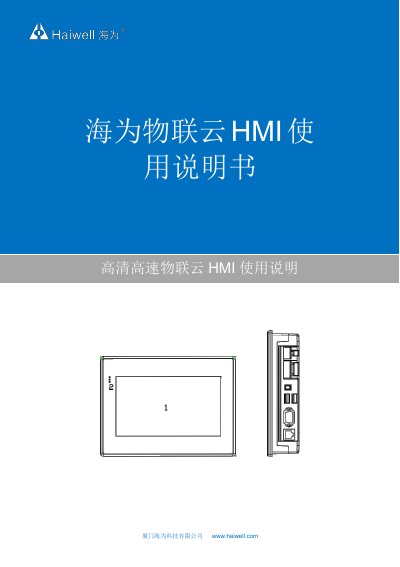
Haiwell C Series Ethernet HMI User Manual
The Haiwell C Series Ethernet HMI is an industrial touch‑screen device that runs on an embedded Linux system and supports SCADA, cloud management and multiple communication interfaces. It provides high‑resolution graphics, resistive touch, LED backlight and optional Wi‑Fi/4G connectivity.
The manual describes hardware installation, network setup, firmware upgrade, cloud binding, multi‑language selection and basic operation steps, allowing users to configure the device, download projects and monitor the system remotely. This manual is written in Chinese.
Covers: Product Introduction · Technical Features · Product Specifications · Hardware Installation · Network Settings · Software Usage
Latest Haiwell manuals
Haiwell C Series Ethernet HMI User Manual
User Manual 42 pages · 4.2 MB · ZHUser manual for Haiwell C Series Ethernet HMI covering installation, configuration, operation and maintenance.
Which document do I need?
User Manual
Day-to-day operation, settings and troubleshooting. Start here if the product is already set up.
Questions answered in Haiwell manuals
How do I connect the HMI to a network?
Press and hold the HMI’s top‑right button for 5 seconds to open the backend settings, select “Network Settings”, then enable the network switch and choose either DHCP or Static IP configuration.
How do I calibrate the touch screen?
In the backend settings choose “Enable Touchscreen Calibration”, confirm the prompt, and the device will restart to perform the calibration.