
This manual contains cautions on how to use this product safely.
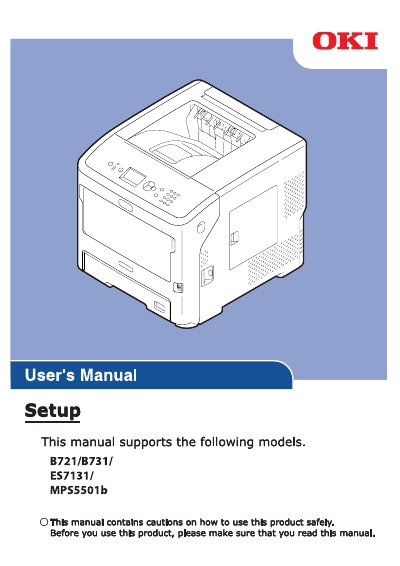
This manual provides instructions for the initial setup of the OKI B731 printer, including checking package contents, unpacking, and installing optional components like printer stands, additional trays, RAM, and hard disks. It details the placement requirements and safety precautions necessary before operation.
| Supported Operating Systems | Windows 7, Mac OS X 10.8 |
|---|
If toner powder is swallowed, give small amounts of cold water and seek medical attention. Do not induce vomiting.
Flush with large amounts of water for at least 15 minutes keeping eyelids open and seek medical attention.
No, do not clean spilled toner with a vacuum cleaner as it may catch fire due to sparks from electric contact.