
This is a user manual for Oki Pro 1040/1050 Colour Laser Printer
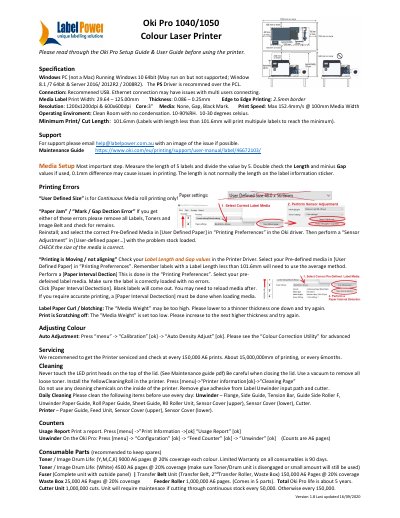
This manual provides setup and operating instructions for the Oki Pro 1040/1050 colour laser printer, including media setup, troubleshooting, and maintenance. It details printer specifications, supported operating systems, and connection options. Maintenance tasks such as cleaning, sensor adjustment, and consumable replacement are covered with recommended intervals.
| Print Speed | Max 152.4mm/s @ 100mm Media Width |
|---|---|
| Resolution | 1200x1200dpi & 600x600dpi |
| Operating Environment | 10-90%RH, 10-30 degrees celsius |
| Media Thickness | 0.086 – 0.25mm |
| Minimum Print/Cut Length | 101.6mm |
Windows 10 64bit (May run on but not supported; Windows 8.1 /7 64bit & Server 2016/ 2012R2 / 2008R2).
Recommended USB. Ethernet connection may have issues with multi users connecting.
Recommended to get the printer serviced and check at every 150,000 A6 prints or about 15,000,000mm of printing, or every 6 months.
9000 A6 pages @ 20% coverage each colour.