
This manual is for C3530MFP user manual, introduces the features and characteristics of the product, including usage instructions, safety instructions, emergency rescue instructions, etc.
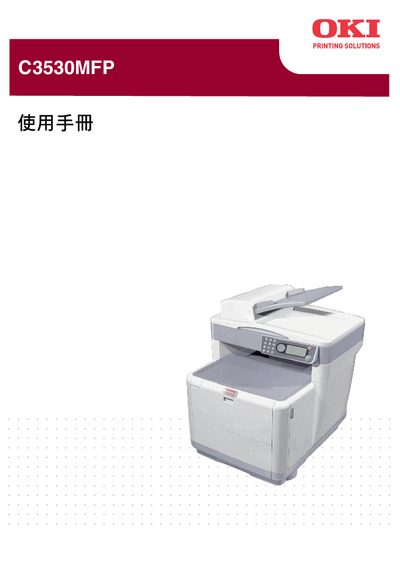
This manual provides step-by-step instructions for installing, operating, and maintaining the OKI C3530MFP multifunction printer. It includes setup procedures, network configuration, scanning, copying, and printing functions. Technical specifications such as print resolution, connectivity options, and supported operating systems are also detailed. Support contacts for various regions are listed at the end.
| Print Resolution | 600 x 600 dpi, 1200 x 600 dpi (optional) |
|---|---|
| Connectivity | USB 2.0, 10/100 Base-T Ethernet |
| Memory | 256MB |
| Operating Systems | Windows XP, Windows 7, Windows 8, Windows 10 |
| Network Protocols | DHCP, DNS, POP3, SMTP, HTTP, CIFS |
Windows XP, Windows 7, Windows 8, and Windows 10 are supported.
The printer supports 600 x 600 dpi and optionally 1200 x 600 dpi.
The printer supports DHCP, DNS, POP3, SMTP, HTTP, and CIFS.
The printer has 256MB of memory.