
This manual is a reference guide for using the OKI MC351/MC361/MC561 printer. It introduces basic printer operations and troubleshooting methods.
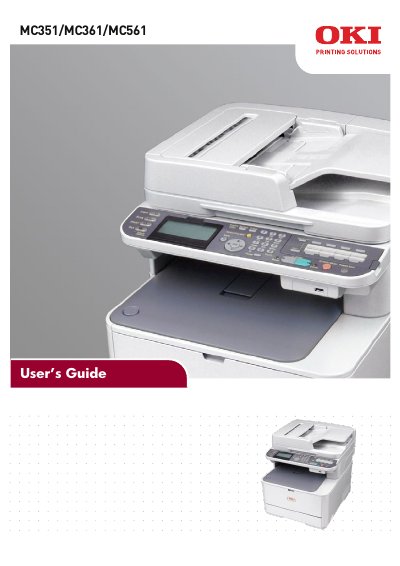
This manual serves as a comprehensive guide for the OKI MC351, MC361, and MC561 multifunction printers. It provides detailed instructions on operating the device for printing, copying, scanning, and faxing, as well as managing profiles and address books. The guide also covers essential maintenance tasks such as replacing toner cartridges, image drums, and fusers, along with cleaning procedures.
| Product Type | Multifunction Printer |
|---|
Give small amounts of cold water and seek medical attention, but do not attempt to induce vomiting.
Flush with large amounts of water for at least 15 minutes while keeping eyelids open.
Treat spillages with cold water and soap to help reduce the risk of staining skin or clothing.