
Oki MC351/MC361/MC561 Configuration Guide

Introduces the configuration information of Oki MC351/MC361/MC561 printer
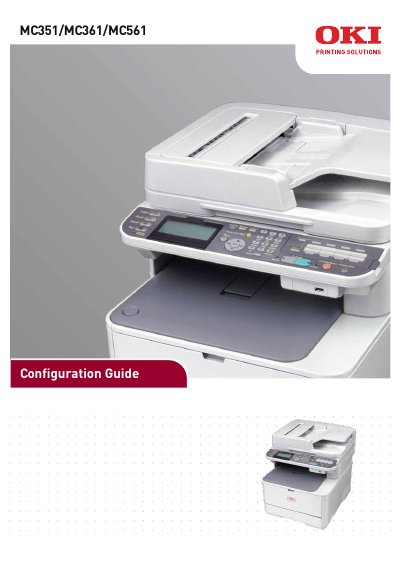

Oki MC351/MC361/MC561 Configuration Guide - cover page
Brand
OKI
Category
Printer
Document type
Other
Language
English
Pages
120
File format
PDF
File size
1.6 MB
Published
27 October, 2023
Updated
27 October, 2023
Models
MC351, MC361, MC561
MD5 checksum
12A166CF454129808586753545FC0CFC

About this manual

This guide provides detailed instructions for configuring network settings, scan-to-email and internet fax, user authentication, and advanced network protocols for Oki MC351/MC361/MC561 printers. It covers setup for TCP/IP, NetWare, EtherTalk, and other protocols, as well as managing profiles, address books, and security features. The guide also includes instructions for direct printing, SNMP, and IPv6 configurations.

What's inside

  • Configuring Network Settings
  • Setting Up Scan to Email and Internet Fax
  • Managing Profiles and Address Book
  • Configuring Fax Settings
  • User Authentication and Access Control
  • Advanced Network Settings
  • Printing Without Printer Driver
  • Other Operations

Frequently asked questions

What is the purpose of this guide?

The purpose of this guide is to provide in-depth information on how to configure the network, scan and fax for your machine.

What is the URL to find the most up-to-date drivers and manuals?

The most up-to-date drivers and manuals are available from: http://www.okiprintingsolutions.com

Download PDF (1.6 MB)

More OKI Manuals


View all OKI manuals →