
This is a product user manual that introduces the product's usage methods and precautions
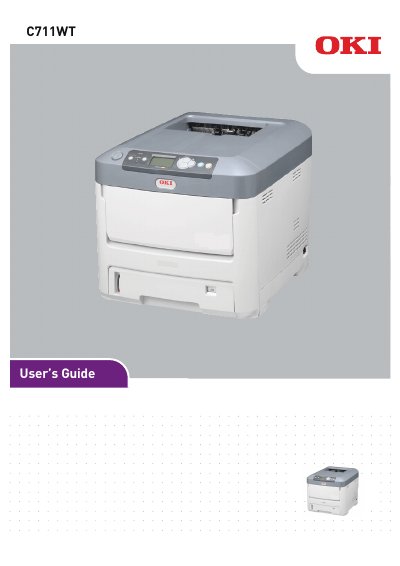
This manual serves as a comprehensive on-screen reference for the Oki C711WT printer and its supplied driver software. It covers essential topics such as printer overview, loading paper into cassette trays and multi-purpose trays, and configuring printing preferences for both Windows and Mac OS X environments. The guide details how to access driver screens, set color modes, and manage finishing options like collating and cover printing.
The document also includes detailed sections on maintenance and troubleshooting. It explains how to replace consumable items such as toner cartridges, image drums, transfer belt units, and fusers. Additionally, it provides step-by-step instructions for clearing paper jams, cleaning the unit casing and paper feed rollers, and performing memory upgrades or installing additional paper trays.
| Manufacturer | Oki Data Corporation |
|---|---|
| Model | C711WT |
Flush with large amounts of water for at least 15 minutes keeping eyelids open and seek medical attention.
No, the model is designed to operate only with genuine original toner cartridges to ensure performance and print quality.