
OKI C650/ES6450 Multifunction Printer User's Manual

This is the user manual for Canon C650/ES6450 multifunction all-in-one
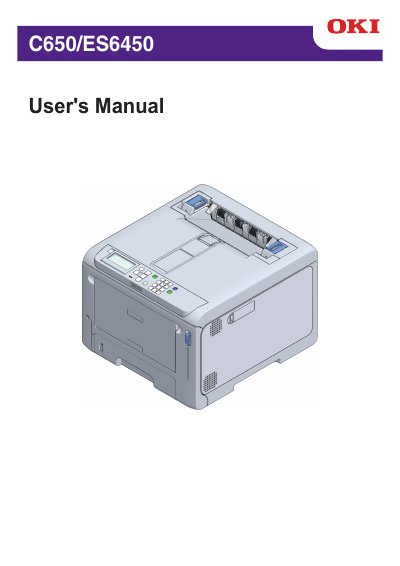

OKI C650/ES6450 Multifunction Printer User's Manual - cover page
Brand
OKI
Category
Printer
Document type
User Manual
Language
English
Pages
398
File format
PDF
File size
21.7 MB
Published
27 October, 2023
Updated
27 October, 2023
MD5 checksum
53A857E5F8A89B8158B1AF2148A77506

About this manual

This document serves as the User's Manual for the OKI C650/ES6450 multifunction machine. It covers the entire lifecycle of the device, starting from unpacking and installing the starter toner cartridge to connecting the device via wired or wireless LAN and USB. The guide details how to load paper, set up the printer driver for Windows and macOS, and perform basic operations such as printing, copying, and scanning.

What's inside

  • Getting started
  • Safety precautions
  • Installation
  • Connecting to the PC
  • Printing
  • Management of this machine
  • Maintenance
  • Replacing consumables
  • Troubleshooting
  • Useful software

Frequently asked questions

What is the purpose of the dedicated caster stand?

The manual describes the dedicated caster stand as an optional accessory that can be installed on the machine.

What types of paper are considered inapplicable for this printer?

The manual provides a specific section dedicated to listing paper types that should not be used.

How can users print data stored directly on the machine?

Users can print data stored in this machine by accessing the specific printing function for internal data.

Download PDF (21.7 MB)

More OKI Manuals


View all OKI manuals →