
This manual describes the functions and operation methods of OKI ML280eco, including installation, use, maintenance and troubleshooting, to help you better use the product
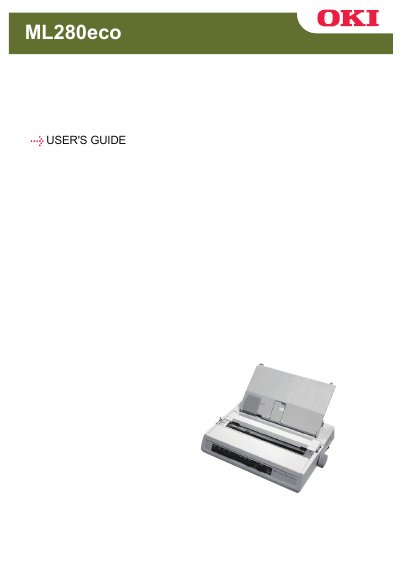
This guide provides step-by-step instructions for installing, configuring, and operating the OKI ML280eco dot-matrix printer. It includes sections on unpacking, connecting to computers via USB or parallel ports, loading paper, adjusting settings, and performing maintenance tasks like replacing the ribbon cartridge. The manual also addresses troubleshooting common issues such as paper jams and offers contact details for regional support.
The guide is designed for users who need to set up the printer in industrial, retail, or service environments. It includes online usage instructions for viewing the manual digitally and references additional technical resources for advanced users.
The OKI ML280eco is an entry level 9 pin dot-matrix printer.
It is ideal for industrial workstation applications, as well as customer service points in wholesale, retail and service environments.
The product shall not be placed in the immediate field of vision to avoid disturbing reflections on the display work place.