
This is a user manual for Optoma HD3000 video scaler
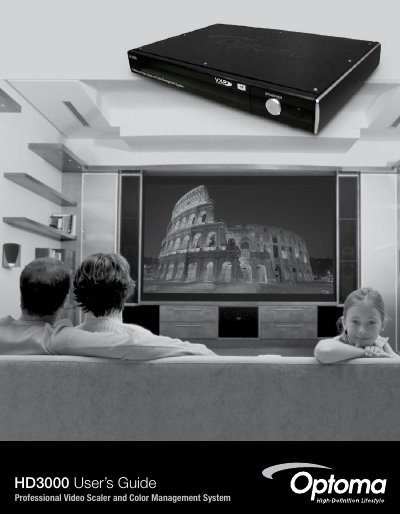
The Optoma HD3000 is described as a fully-featured, all digital video processing Scaler Box designed to create the best image quality. It provides source content switching, image de-interlacing, image scaling, and color management.
The user's guide covers supplied components, system requirements and input configurations, system connections including HDMI routing to an AV receiver, the remote control and front panel, setup and OSD operations, image adjustment, specifications, connector detailing, compatibility, and RS 232 instructions.
| Color | Anodized Black |
|---|---|
| Weight | 9.2 Lbs |
| Dimensions | 17.0” (W) x 11.4” (D) x 2.5” (H) |
| Video processing | 10-bit |
| Video processor | Gennum GF9350 VXP |
| Inputs | 3 HDMI, 4 component (2 RCA and 2 BNC), 3 S-Video, 3 composite |
| HDMI outputs | 2 |
The HD3000 is described as a fully-featured, all digital video processing Scaler Box designed to create the best image quality.
It uses the Gennum GF9350 VXP video processor chip.
The HD3000 weighs 9.2 Lbs.
Connect an HDMI cable from the “To AV Receiver” port to the AV receiver; the receiver can then decode the audio signal.