
This document is the user manual of MBTelehealth - Ergotron Mobile Cart with SX20 and TRC6 Remote User Guide
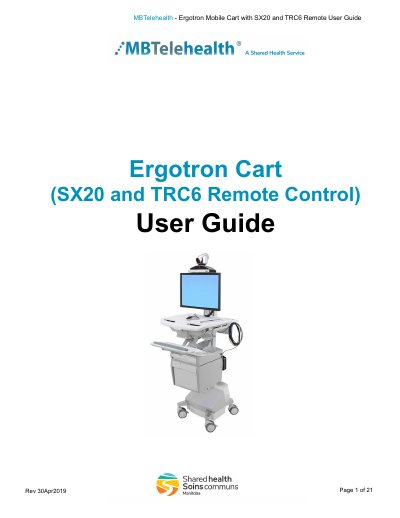
This manual provides step-by-step instructions for operating the Ergotron SX20 videoconferencing cart with the TRC6 remote control. It covers basic navigation, camera controls, microphone and volume settings, connecting to sites within or outside the MBT network, and managing multi-site calls. The guide also explains how to control the far end camera, share presentations, and handle dual video setups. It includes troubleshooting tips and etiquette for videoconferencing.
Press the mute button on the remote or on the microphone itself. A red light indicates muted, green indicates unmuted.
The system automatically accepts incoming calls, mutes the microphone, and you must unmute it to speak.
Navigate to the Participants icon, select the other site, then press the Camera icon to adjust their camera using the remote’s controls.