
This document is the user guide of the StyleView powered carts. It introduces the features and usage of the product.
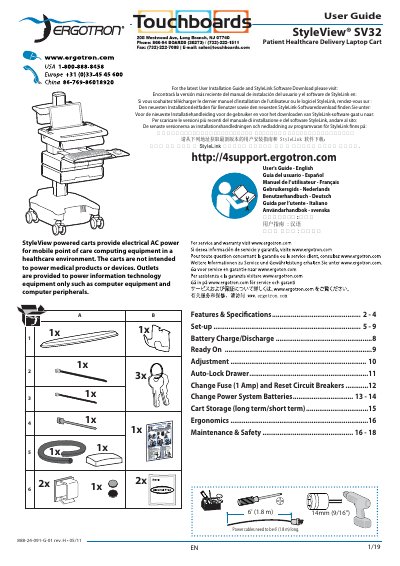
This manual provides instructions for the Ergotron StyleView SV32 Patient Healthcare Delivery Laptop Cart. The cart provides electrical AC power for mobile point of care computing equipment in a healthcare environment, featuring a power system with integrated batteries and outlets for IT equipment only. It is not intended to power medical products or devices.
The document covers features and specifications, including various drawer configurations and power system part numbers. It details setup procedures for connecting peripherals, adjusting the worksurface, and routing cables. Additionally, it explains battery charge/discharge cycles, alarm functions, and maintenance requirements such as fuse replacement and long-term storage.
| Input Voltage (US) | 120VAC/60 Hz; 5.1A |
|---|---|
| Output Voltage (US) | 120VAC/60 Hz, 400VA/300W |
| Input Voltage (EU) | 230V~/50 Hz, 2.7A |
| Output Voltage (EU) | 230V~/50 Hz, 400VA, 300W |
| Battery Type | Two 33 Ah Sealed Lead Acid, Absorbed Glass Mat, 12VDC |
| Minimum Operational Temperature | 10°C (50°F) |
| Maximum Operational Temperature | 29°C (86°F) |
| Power Cable Length | 6' (1.8 m) |
The carts are not intended to power medical products or devices. Outlets are provided to power information technology equipment only such as computer equipment and computer peripherals.
It takes approximately 7 hours to charge the battery from an initial power on state.
The alarm will beep when the battery charge gets below 30%.
Yes, you can use the cart while charging.