
This is a manual for buying and using standing desks, which details the features of standing desks and how to buy and use them
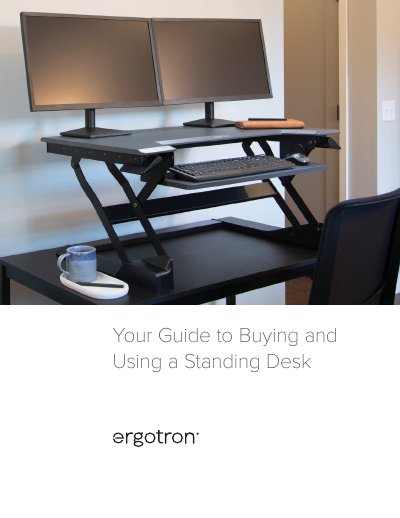
This guide helps users select and set up a standing desk to promote healthy posture and movement. It covers equipment selection, setup steps, and tips for maintaining ergonomic habits. The guide also includes advice on gradually adopting an active workstyle and using behavior change techniques to sustain long-term benefits.
The document emphasizes adjusting monitor height, keyboard position, and chair settings to achieve neutral postures. It recommends using accessories like monitor risers, drop-down keyboard trays, and anti-fatigue mats to enhance comfort and ergonomics.
Alternate between sitting and standing every 30 minutes.
A popular recommendation is to alternate between sitting and standing every 30 minutes.
You should adjust the monitor depth to be roughly an arms-length away from the face.
Elbows should stay close to the body and be bent between 90 and 120 degrees.