
Explains the function and use of the StyleView® primary storage drawer
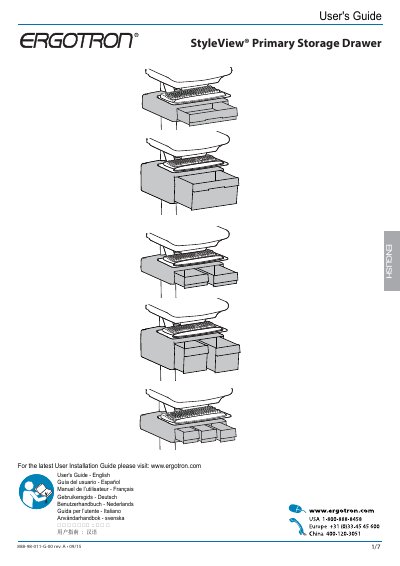
This guide provides step-by-step instructions for installing and using the StyleView® Primary Storage Drawer. It includes safety warnings, weight capacity limits, and adjustment procedures. The document is multilingual, with English as the primary language.
The drawer is designed for secure storage and easy access, with features like adjustable tension and key-operated locking. Users must follow safety guidelines to avoid injury or damage, including not exceeding weight limits and avoiding pushing the cart when drawers are open.
| Total weight capacity per drawer | Not specified in text |
|---|---|
| Adjustment Tension | 40-60 revolutions required |
The document warns not to exceed the maximum listed weight capacity to avoid serious injury or property damage, but does not specify the exact value.
Turn the adjustment nut at the top of the riser counterclockwise until it stops; adjustment may require 40-60 revolutions.