
ExStik® DO600 Dissolved Oxygen Meter is a dissolved oxygen / temperature meter produced by Extech company, which can simultaneously display dissolved oxygen and temperature.
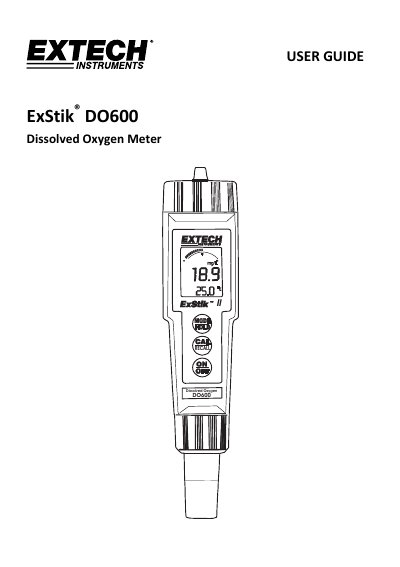
This user guide explains how to operate the ExStik® DO600 dissolved oxygen meter, including electrode preparation, powering on, calibration, and unit selection. It details features like auto power-off, temperature compensation, and memory storage for up to 25 readings. The guide also covers troubleshooting and battery replacement procedures.
The meter displays dissolved oxygen in % saturation, mg/l, or ppm, and temperature in °C or °F. Calibration is recommended daily, and special steps are provided for zero oxygen calibration and electrode maintenance.
Turn the meter ON, press and hold the MODE/HOLD button until % is displayed, then press and hold the CAL/RECALL button until CAL is shown. The meter will blink '101.7' and show 'SA' before returning to normal mode.
A 3-minute waiting period is required before a measurement can be made, as the electrode needs to re-polarize.