
This is a manual for Extech 407510 Heavy Duty Dissolved Oxygen/Temperature Meter. It introduces the features of the product.
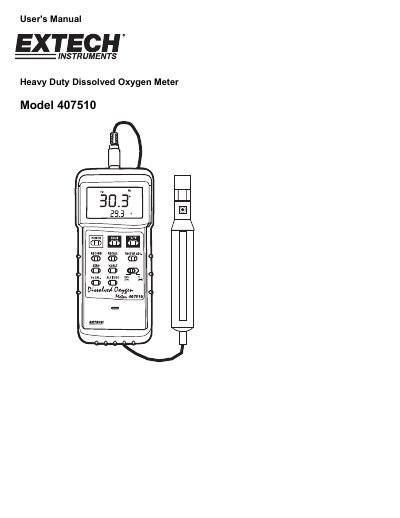
This manual provides instructions for the Extech 407510 Heavy Duty Dissolved Oxygen/Temperature Meter. It details the setup process, including filling the electrolyte container and initial calibration for oxygen in air. The guide explains how to perform measurements for dissolved oxygen, oxygen in air, and temperature, as well as how to use advanced features like data recording and altitude compensation.
| Measurement Range (Dissolved Oxygen) | 0.0 - 19.9 mg/L |
|---|---|
| Measurement Range (Oxygen in air) | 0 - 100% O2 |
| Measurement Range (Temperature) | 32 to 122 °F (0 to 50 °C) |
| Battery Type | 9V alkaline battery |
| Weight | 0.74 lbs. / 335 g |
| Operating Temperature | 0 to 50 °C |
Ensure the sensor is disconnected, turn on the meter, slide the switch to O2, press zero, connect the sensor, wait five minutes, and press the O2 Cal key.
Press the % Salt key, use the Factor Adj. key to set the percentage, and press % Salt again to store the factor.
The maximum compensation adjustment is 3900 meters.
The meter automatically turns off if no function button is pressed in any 10 minute period.