
This is a user guide for Extech 461960 RPM Controller/Monitor, which introduces the product's features
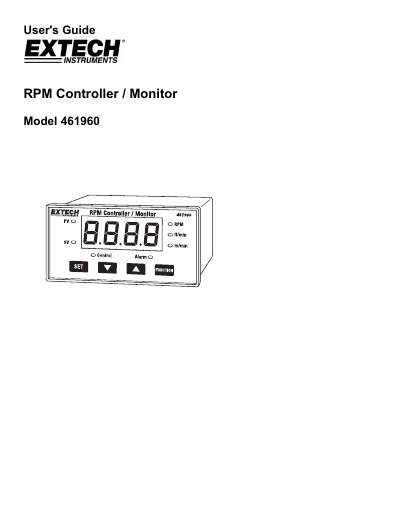
This user guide explains how to operate and configure the Extech 461960 RPM Controller/Monitor. It covers measuring RPM, surface speed in m/min and ft/min, setting control and alarm thresholds, and using relays. The device features a red LED display, RS232 interface, and DIN case. Safety and operating conditions are also detailed.
The guide includes step-by-step procedures for setting control values, low and high limits, pulse per revolution, roller diameter, and hysteresis. It also explains system reset and technical specifications such as accuracy, input range, and power requirements.
| Display | 4 digits red LED, digit size: 14 mm |
|---|---|
| Accuracy | ± (0.1% + 1 digit) |
| Power Supply | 90 to 260 ACV, 50/60 Hz |
| Weight | 384 g / 0.84 LB |
| Dimensions | DIN size: 96 x 48 mm, Depth: 110 mm |
Press the "Set" button once to enter "CtSP" mode, then use the ▲ and ▼ buttons to adjust the desired control value.
The relay contact load must not exceed 0.5A; exceeding this will damage the relay and void the warranty.
The accuracy is ± (0.1% + 1 digit), with resolution varying by RPM range (e.g., 0.1 RPM for <1000 RPM, 1 RPM for 1000–9999 RPM).
Power on the meter, then press and hold the "Set" and "Function" buttons for more than 5 seconds until "rSt" appears. Release the buttons to reset.