
This document is the user manual of EC150 water quality meter, which introduces the functions and usage of the instrument.
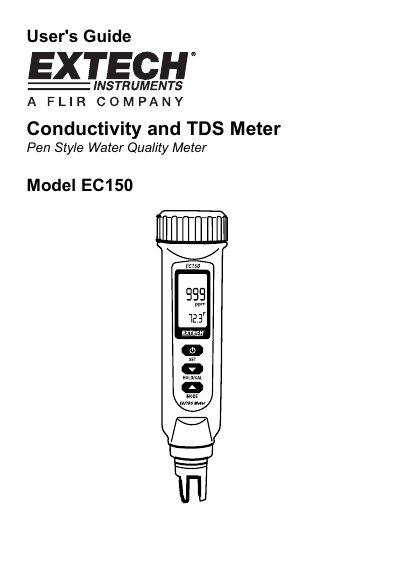
This user manual covers operation, setup, and calibration of the Extech EC150 water quality meter. It includes instructions for battery installation, measurement modes, temperature settings, and calibration procedures. The meter features automatic and manual ranging, data hold, and temperature compensation for accurate readings.
The EC150 is designed for field use with an IP65 waterproof enclosure and is powered by four LR44 batteries. It supports both conductivity and TDS measurements with dual ranges and can be calibrated for specific applications using the setup mode.
The EC150 measures Conductivity and TDS (Total Dissolved Solids) plus Temperature.
The EC150 requires four (4) LR44 batteries.
The factory default setting is 2.1% per °C.
The factory default setting is 25 °C.